SOCIAL FRAMES
Design better social images with Claude
Describe the perfect image to accompany your social post. Instantly get a prompt spec: size, safe margins, and visual direction. Paste it into Claude Design and export the PNG.
Free. No account, no API key, nothing to install.
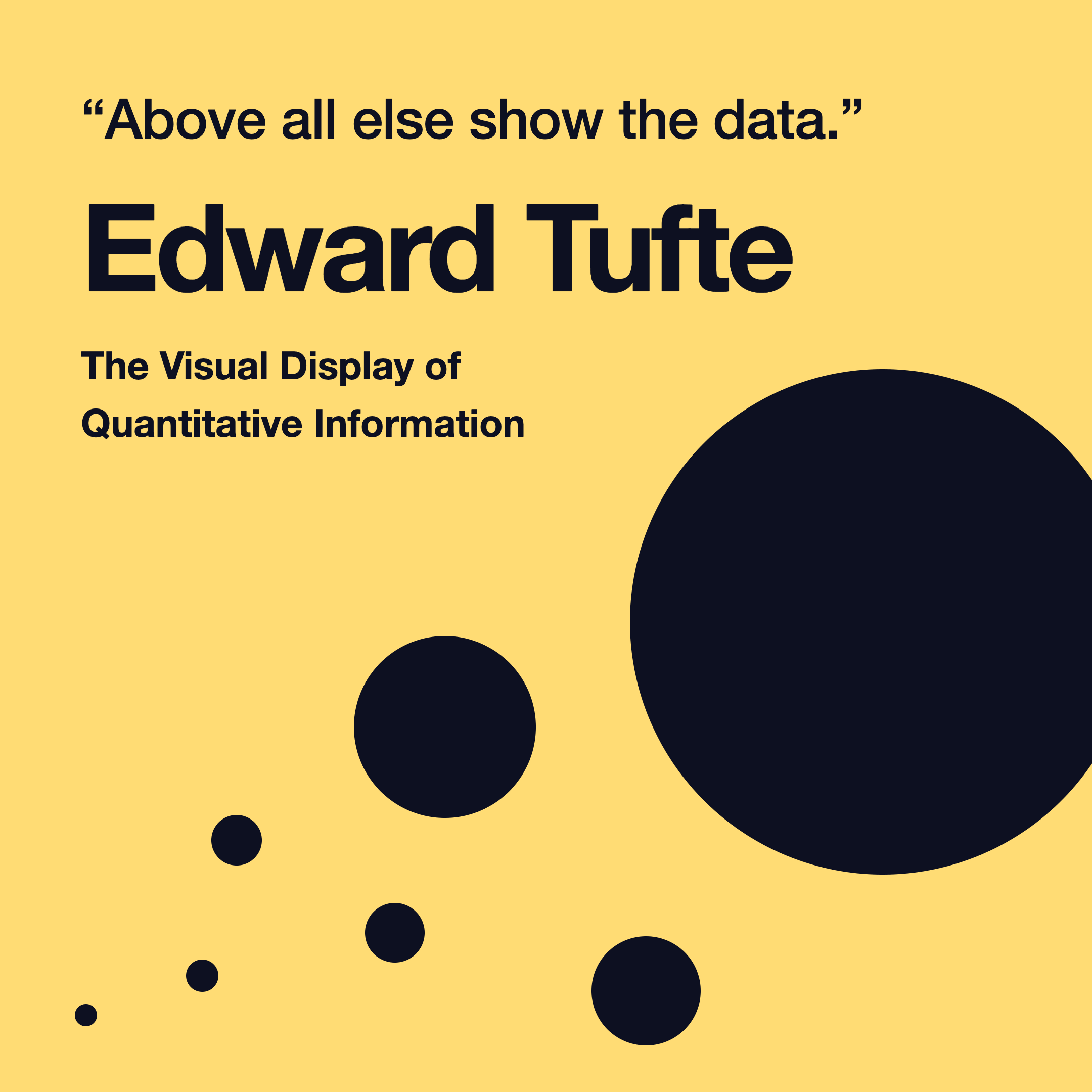
Example: Social image generated by Claude Design
Theme
Start from
Composed prompt
Paste this into a new Claude Design chat.
Build a single social post graphic on a canvas of exactly 1080 × 1080 pixels.

TECHNICAL SPEC

- Root element is exactly 1080px wide and 1080px tall. Do not use percentage or viewport units on the root. No margin on the root, no page padding around it.
- overflow: hidden on the root. Nothing bleeds past the edge, nothing scrolls.
- Everything is inside one root element so the frame exports as a single image.
- Keep all content inside a 80px inset from every edge. Backgrounds and full bleed color may extend to the edge. Text and logos may not.
- Inline styles only. No external stylesheets, no CSS classes, no JavaScript.
- Type scale for this frame size: display 72px, body 32px, caption 22px. Adjust within about 20 percent if the content needs it, but keep the hierarchy obvious at thumbnail size.
- Design for a phone screen.
- Use my design system colors.

SURFACE

- Canvas is your light surface color, filling the frame edge to edge.
- Text uses your primary ink color, with secondary text in your muted text token.
- Use your accent color for one element only.

VISUAL DIRECTION

- Flat, solid color. No gradients, no drop shadows, no glows.
- Corner radius 12px maximum. Square corners are fine.
- Strong type contrast between the headline and everything else.
- Copy is direct and declarative. No hedging, no exclamation marks.
- Left align text unless the layout is a single centered statement.

CONTENT VOLUME

- One main idea with two or three supporting elements at most.
- Leave clear breathing room around the focal element.
- If the content does not fit legibly, cut content rather than shrinking type.

CONTENT

[Describe the post: headline, supporting copy, attribution, or list items.]

QUALITY BAR

- The frame reads in under two seconds at thumbnail size.
- One clear focal element. Everything else supports it.
- Generous negative space. Do not fill the frame edge to edge with content.
- If any text would wrap awkwardly or orphan a single word on the last line, rewrite the line shorter.

Render the frame. Do not explain the design.
Export
From prompt to PNG
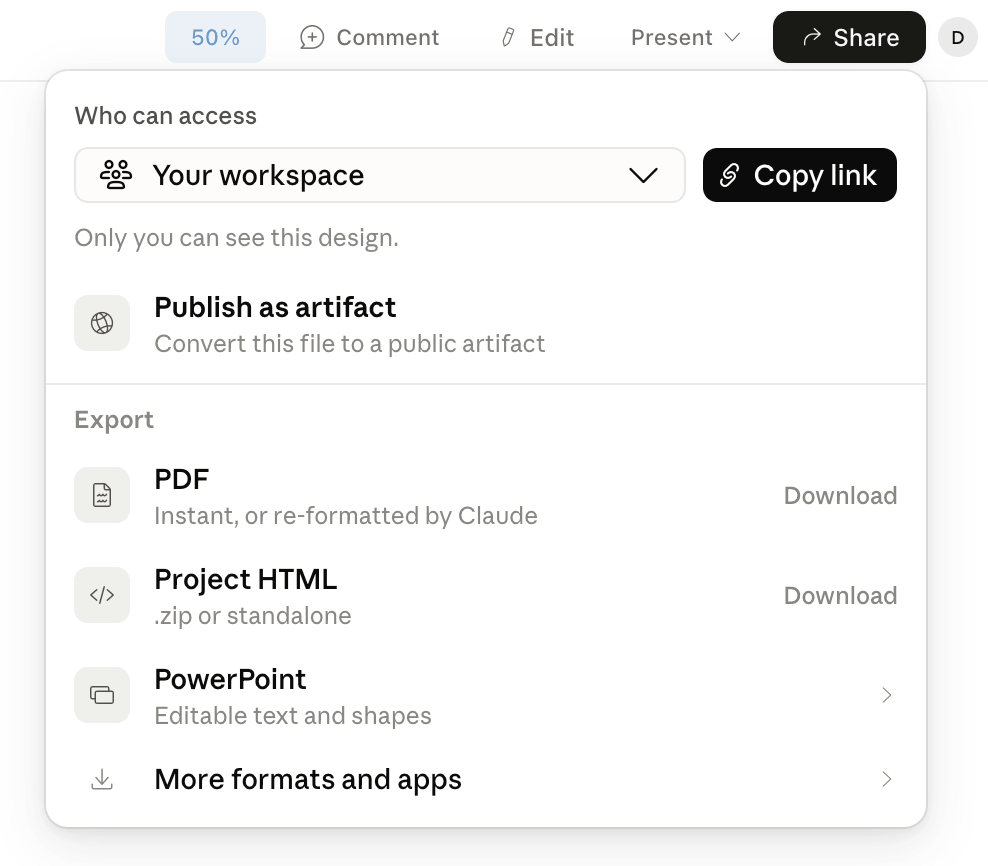
- 1
Paste the prompt. Paste it into a new Claude Design chat. The canvas is full size, so zoom to fit while you work on it.
- 2
Make edits with Claude. The first render is a draft. Ask for whatever it needs in plain language: a shorter headline, different colors, more space around the logo, content that is spilling past the edge pulled back in. Tell Claude to keep the canvas at 1080 × 1080 while it makes changes.
- 3
Export the PNG. Export at 1x for the exact dimensions above. 2x, 3x, and 4x give you a larger file if you want room to crop or a higher resolution original.
- 4
Check the size. At 1x the PNG should be 1080 × 1080.
- 5
Post it. Drop the PNG into your scheduler and ship it. If it turns out well we would like to see it. Send us a note.
Export walkthrough
Questions
Is this free?
Yes, and it stays free. The prompt is composed in your browser. There is no account, no API key, and nothing is sent to a server. Your description never leaves the page.
What Claude plan do I need?
Any plan that includes Claude Design. That is currently Pro, Max, Team, and Enterprise. A free Claude account does not include Claude Design.
Does this work in Claude web or Claude Code?
No. The prompt is written for Claude Design, and the export steps assume you are exporting a PNG from a Design canvas. Use it there.
What size should I export at?
1x gives you exactly the dimensions in the prompt, which is what the platforms want. 2x, 3x, and 4x give you a larger file, useful if you want to crop later or keep a higher resolution original. For posting straight to a feed, 1x is enough.
Can I use my own brand colors and fonts?
The prompt tells Claude to use your design system colors, so in Claude Design it will pick up whatever DS you have set. If you do not have one, ask for specific colors in a follow up message after the first render.
What if the graphic comes out wrong?
Ask Claude to fix it in plain language. Shorter headline, more space around the logo, different colors, content pulled back inside the edges. The one thing to include in every follow up is a reminder to keep the canvas at its current size, since that is the change that breaks the export without looking wrong on screen.
Can I use the graphics commercially?
Yes. It is your prompt and your output. AssetMule has no claim on anything you make with it.
How is this different from the Technical Sales Kit?
This tool composes one prompt for one graphic. The kit is a blueprint you install once that generates a full set of branded sales collateral, with the layouts, type scale, and design system handling built in. Same idea, applied to a much bigger job.
One prompt for a post. A kit for the sales deck.
This tool composes one social frame prompt. The Technical Sales Kit ships seven templates plus a References page that do the same job for sales collateral.
View the Technical Sales Kit